TradingView enhances broker comparison tool

TradingView has updated the broker comparison tool to make working with it even more convenient.
The changes include:
- Choose brokers to compare – before, TradingView showed every broker based on your country or asset. Now, you’re in control of who to compare. Just pick the brokers you’re interested in and compare them side-by-side.
- Compare button on broker profiles – add a broker to the comparison tool right from their profile page. You’ll be redirected to the comparison tool to add more brokers and see the results.
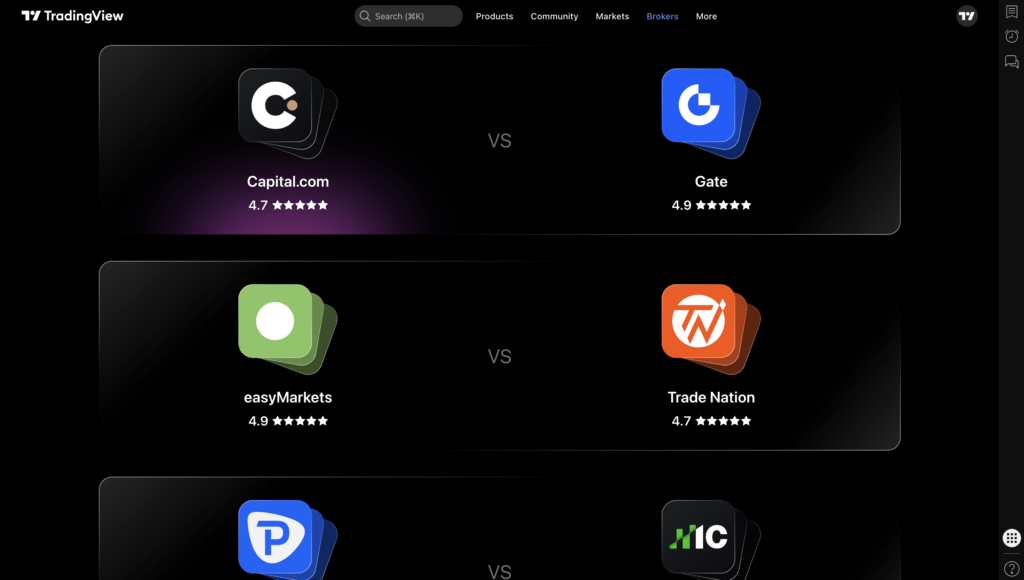
- Ready-made selections – not in the mood for manual selection? Check out TradingView’s pages with popular broker pairs. It’s a great way to get your bearings quickly.