
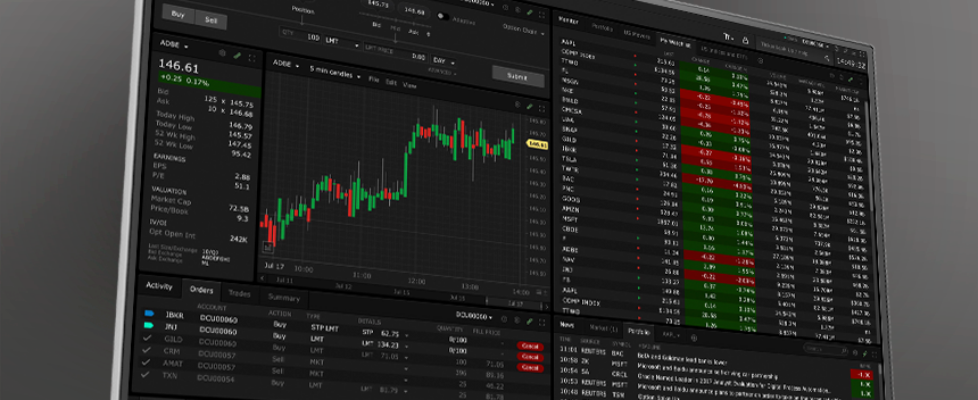
Interactive Brokers streamlines order entry for overnight trading in TWS platform

Online trading major Interactive Brokers continues to enhance its TWS platform, with the latest (beta) build implementing default TIF change for overnight trading and API improvements.
To streamline order entry for overnight trading, TWS now defaults the Time in Force (TIF) to OVERNIGHT + DAY when:
- Selecting the OVERNIGHT exchange.
- Creating an order for a contract traded on the OVERNIGHT exchange.
Additionally, OVERNIGHT + DAY has been moved above OVERNIGHT in the TIF dropdown menu to reflect it as the preferred selection. Users who prefer the previous OVERNIGHT-only behavior can opt out via a new “Time In Force for Overnight Trading” setting by navigating to:
- Settings → Orders → Smart Routing Config
This setting is also accessible through the “Edit SMART Routing Settings” link available in the OVERNIGHT/OVERNIGHT + DAY TIF tooltip.
Users can continue to manually modify the TIF on individual orders as needed. API-generated orders are not affected by this change.
Also, issues affecting Overnight API orders submitted using the Adaptive Limit (Adaptive LMT) order type have been resolved, improving order handling and reliability for API traders.