
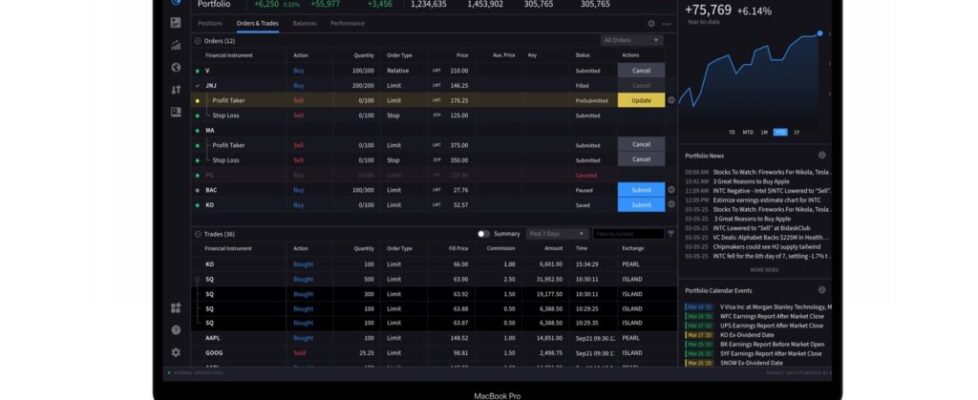
Interactive Brokers enhances alert experience in IBKR Desktop platform

Electronic trading major Interactive Brokers has released build 3.6 of the IBKR Desktop platform.
The brokerage has improved the Alert Experience in the Notification Center to make it faster to access and more powerful to use.
The novelties include:
- Account Metric Alerts: Alert types now support Account Metrics such as Daily P&L and Margin Cushion, in addition to existing instrument-based conditions like Price, Change %, and Volume.
- 24 Hour Alerts: Set alerts that monitor around the clock.
- Per-alert Email Delivery: Set your email delivery preference on a per-alert basis for finer control over how and when you are notified.
- Quicker Access: View Alerts and FYI Delivery Preferences have been moved into the left pane of the Notification Center.
To create a new alert
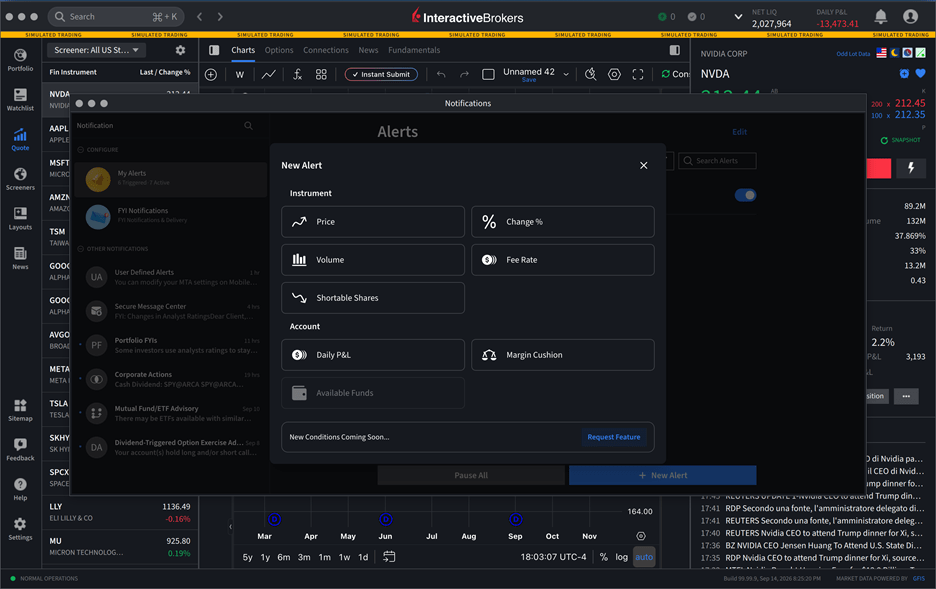
- Open the Notification Center and select My Alerts in the left pane, then click +New Alert.
- Choose an alert condition. Under Instrument, you can set alerts on Price Conditions, Change %, Volume, Fee Rate, or Shortable Shares. Under Account, you can now set alerts on Daily P&L and Margin Cushion.
- Configure your alert parameters, enable 24 Hour Alerts if desired, and set your preferred email delivery option for that alert.
Other recent enhancements to the IBKR Desktop include Chart Trading (Instant Trading) integration with the platform, allowing users to place, modify, and manage orders directly from the embedded TradingView chart. Users can enable Buy/Sell buttons for quick order entry and optionally activate One Tap Trading to submit orders without confirmation.
Additionally, order placement and modification on the chart no longer block the user interface, providing a smoother trading experience.