
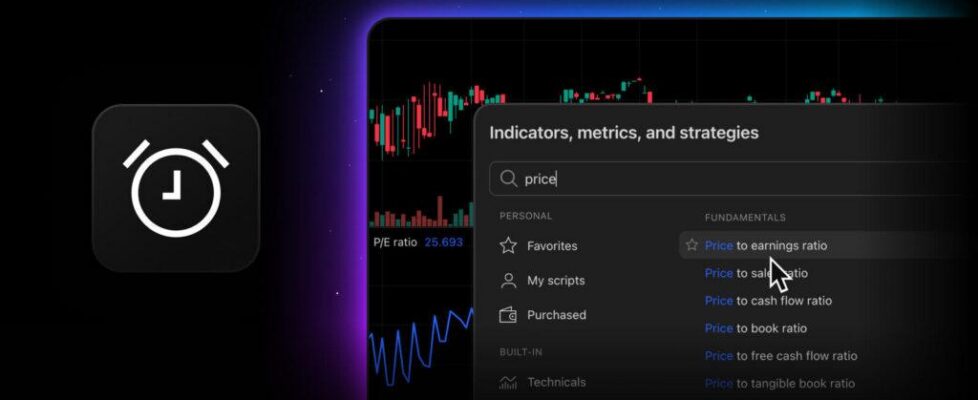
TradingView introduces alerts for valuation metrics

TradingView has enabled its users to create alerts for key valuation metrics directly on their Supercharts and receive notifications once their criteria are met.
For now, fundamental alerts are only available for stocks. Each alert counts toward your technical alert limit and is tied to a single symbol.
Valuation metrics can help you identify potential opportunities without constantly checking fundamentals. Whether you focus on valuation multiples, market capitalization, or shareholder return metrics, these alerts help automate the monitoring process so you can focus on acting instead of tracking.
They work just like alerts on any other indicator. To create them, follow these steps:
Add the metric through the Indicators menu to your chart
- Open the alert settings
- Select a condition
- Choose a trigger type
- Set an expiration.
These alerts also work in multi-chart layouts, on watchlists, and as presets. Note that they trigger on the metric’s value. Setting an alert for when the metric crosses the price line is not supported.
You can create alerts for the following valuation metrics:
- Price to earnings ratio
- Price to free cash flow ratio
- Price/earnings to growth ratio (PEG),
- Price to book ratio
- Price to cash flow ratio
- Price to sales ratio
- Price to tangible book ratio
- Buyback yield %
- Earnings yield %
- Dividend yield (calculated by TradingView)
- Market capitalization.


