
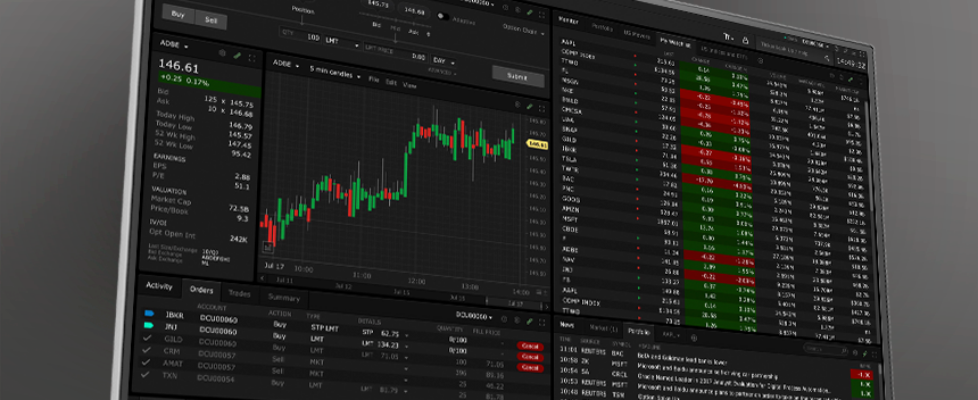
Interactive Brokers adds new market data columns in TWS platform

Electronic trading major Interactive Brokers continues to enhance the TWS trading platform.
Build 10.45 (beta) adds new Market Data columns that display the percentage change in a company’s stock price over the past 3 and 5 years.
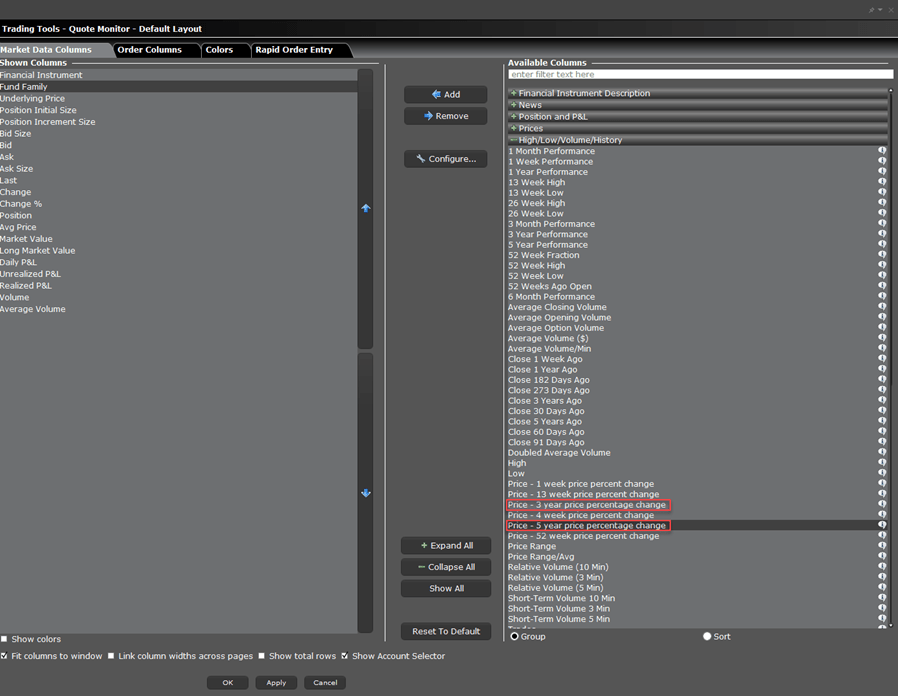
To add this column, right click on an existing Market Data column and select Manage Columns. Click the High/Low/Volume/History field and select Price – 3 year price percentage change or Price – 5 year price percentage change. Click the Add button in the middle of the screen followed by Apply and OK to save these changes.
Let’s note that this platform build also enables TWS users to choose whether Time & Sales data is shown in the instrument’s time zone or their own. To change this setting, click the configuration (gear) icon in the top-right corner of the Time & Sales window and open Settings. By default, Show data in user time zone is selected, displaying data in the user’s local time. Uncheck this box to display data in the instrument’s time zone.
Deep market data order sizes are now natively requested in shares rather than lots. This is a seamless internal change – users will see no difference as order sizes were already displayed in shares.


