
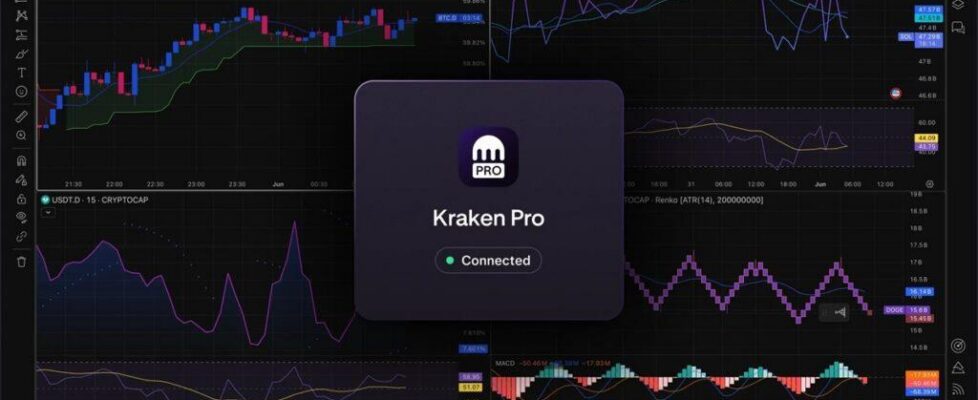
Kraken Pro becomes available on TradingView

Crypto platform operator Kraken has announced that, starting today, its Kraken Pro service is available as a listed broker on TradingView. Connect your account once and you can place spot orders directly from the TradingView terminal, without leaving your charts to open a separate execution window.
TradingView has always been a place where many traders do their analysis. Kraken Pro is now where they can act on it.
How it works
The integration uses OAuth, so the connection is fast and doesn’t require generating API keys. Once connected, your Kraken Pro account appears in the TradingView broker panel. Orders you place from TradingView route directly through Kraken Pro.
You get access to the same spot markets, the same order types, and the same execution against Kraken’s order book.
The OAuth connection also means there are no API keys to generate, store, or rotate. For traders who manage multiple integrations, that removes a meaningful point of friction and a potential security exposure. The connection takes under a minute and can be revoked from your Kraken Pro account settings at any time.
Getting connected
Open TradingView and navigate to the broker panel. Select Kraken Pro from the broker list, click Connect, and authenticate using your existing Kraken credentials. Your account is linked immediately.
If you don’t have a Kraken Pro account, you can sign up at kraken.com/pro/tradingview.
What’s available at launch
The initial integration covers spot trading across Kraken Pro’s full range of supported spot markets. From the TradingView broker panel you can place market orders, limit orders, and stop orders. Position size, order type, and account balance are all visible without leaving the chart.
Additional products will follow in subsequent phases. If you trade outside of spot on Kraken Pro, you will need to continue placing those orders directly in the Kraken Pro terminal for now.
Why it matters
TradingView is where a significant portion of active crypto traders do their technical analysis. The gap between analysis and execution has always been a workflow problem. You identify a setup, switch windows, find the market, size the order, and by the time you’re done the moment has moved.
The integration doesn’t change how you analyse. Your TradingView workspace, your indicators, your chart layouts stay exactly as they are. What changes is that the execution step now happens in the same place.
For traders who already use both platforms, this removes the switch entirely. For TradingView users who haven’t used Kraken Pro before, the broker panel is a direct entry point to Kraken Pro’s spot markets and order book without needing to set up a separate workflow.