
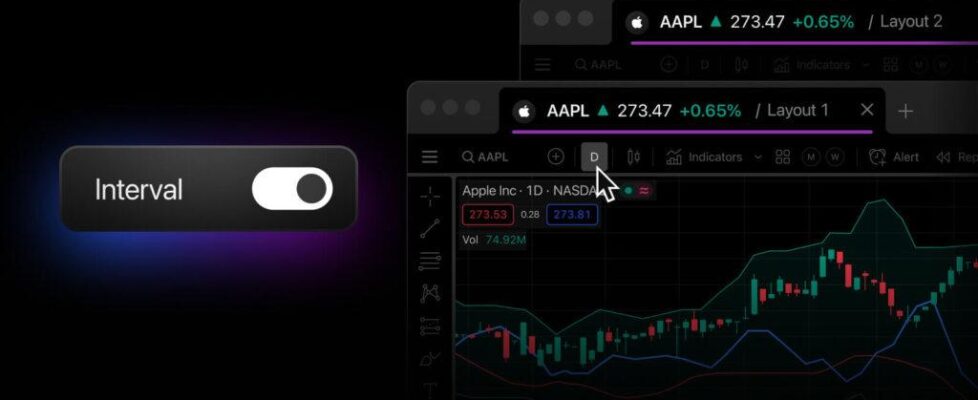
TradingView makes managing multiple charts easier by enabling interval syncing in TradingView Desktop

TradingView has made managing multiple charts even easier. With interval syncing, TradingView users can now keep all their open charts aligned across tabs and windows — perfect for traders using multiple monitors in their analysis, as there’s no need to manually set the interval for all their workspaces.
Starting with TradingView Desktop 2.13.0, you can link tabs using color tags. Tabs sharing the same color form a linked tab group, and within each, you can choose exactly what to synchronize using simple toggles:
- Symbol syncing: Already familiar to many users, this toggle syncs the symbol across tabs in the same linked tab group.
- Interval syncing: A new option that keeps the selected timeframe consistent across linked tabs and windows.
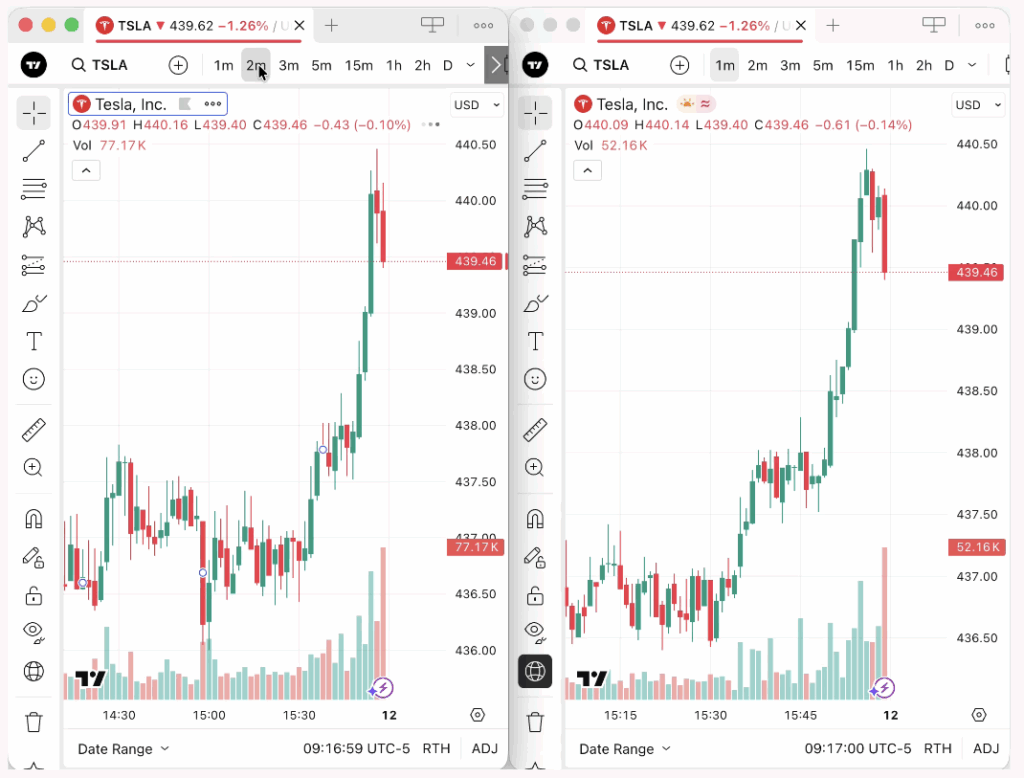
Those who prefer visual organization only can turn off both toggles and still use colors to manage theor workspace more effectively.
The latest app version will arrive via auto-update, but you can already download TradingView Desktop 2.13.0 right away.


