
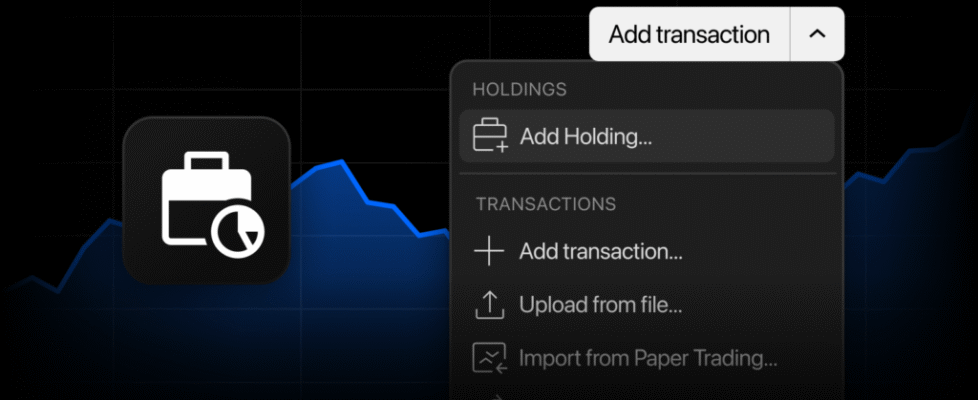
TradingView enables portfolio management at position level

TradingView has enhanced its portfolio management functionality.
Until now, the only way to manually add a position was to log a full transaction: side, date, price, quantity, fees. Now, you can manage your portfolio at the position level.
Add instruments through symbol search, several at once, if you like, and enter your total quantity. The system automatically creates the underlying buy transaction at the latest closing price, tracking your portfolio value immediately.
When you buy more or sell part of a position, simply update the quantity in the holdings row. The system calculates the difference and automatically logs the matching buy or sell order. Set the quantity to zero, and the entire position is closed with a single sell.
Every position is backed by real transactions that remain in your control. Expand any holding to view its full buy and sell history right under the row, and edit the date, price, quantity, or fees of any transaction to match your broker statement. Every transaction also appears in the Transactions tab, just like the ones you create manually.
If you simply want to track what you own and watch its value, quantities are now all you need.
If you are a detail-oriented investor, nothing changes: full transaction logging remains intact, allowing you to refine auto-created entries whenever you need precise records.
Auto-created transactions use the latest available trading date and closing price. This gives you an accurate current portfolio value immediately, though your profit and loss will only reflect exact performance once you adjust your entry dates and prices to match your real trades. Expand the holding, tweak the transactions, and your metrics align with your broker.
Auto-created transactions are regular transactions. They count toward your plan’s transaction limits and behave like standard manual entries across the platform.
Go to the Portfolios and start tracking what you own in minutes.