
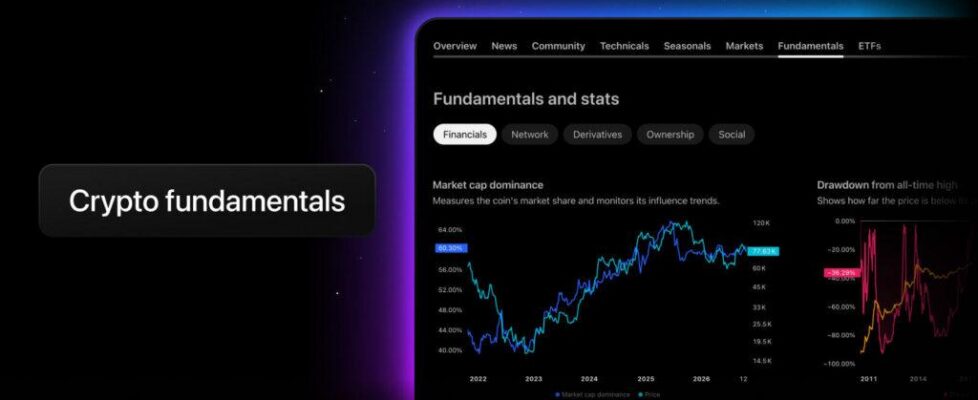
TradingView makes crypto fundamentals available on coin symbol pages

TradingView has made crypto fundamentals available on coin symbol pages.
The new Fundamentals tab gives TradingView users the full picture of a coin directly on its page, from valuation to community sentiment, across five subtabs: Financials, Network, Derivatives, Ownership, and Social.
To see the data, go to a crypto symbol page and select the Fundamentals tab. You can also access these metrics from Supercharts and the Details panel on the right.
Financials: this section is about how the coin is valued and where it stands in the market.
- Network: this section shows how the network is used: how many addresses are active, how much value moves, and how much transactions cost. All metrics in this section are daily.
- Derivatives: here you’ll find the familiar derivatives data that used to live on a separate tab. It’s now part of Fundamentals, so you can read it alongside on-chain, ownership, and social metrics. The section covers open interest, liquidations, and funding rate from major exchanges. You can see them aggregated across the market, with open interest and liquidations also broken down by exchange.
- Ownership: see how a coin’s supply is spread across addresses and how that picture changes over time, from small wallets to whales.
- Social: this section shows how a coin is being discussed on social media.
TradingView users should keep in mind that the set of widgets depends on the coin: Ethereum, for example, has no Miner revenue data, and the Stock-to-Flow and Power law models are available for Bitcoin only.