
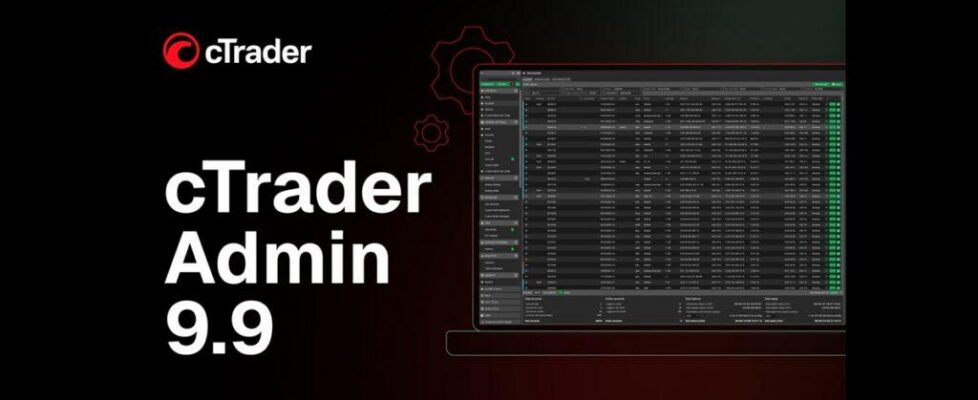
cTrader Admin 9.9 released with email tracking and new Workspace app

Spotware Systems, developer of the popular cTrader trading platform, has announced the release of cTrader Admin 9.9 for brokers. This version brings practical upgrades, including email tracking in sessions, a space-saving collapsible main menu, centralised configuration controls in the new Workspace settings app and a redesigned Orders layout. Together, these improvements simplify daily platform administration, sharpen visibility across key workflows and support more consistent operational control.
Key enhancements
- Email tracking in sessions
- New Workspace settings app
- Collapsible main menu
- Redesigned Orders layout
- Reposition of “Global tools” and “Help” sections
- Symbol ID display
- Liquidity provider renaming
- Updated “Links” section
- Lots-only asset configuration
Improved user management
The Sessions app now displays client email alongside the account number, both in reports and within each session view. This helps to identify clients faster and monitor activity by email when reviewing sessions.
Unified Workspace settings
A new Workspace settings app brings key preferences into one place. Managers can adjust “Export”, “Live chat”, “Trade notifications”, “Dealing blotter” and “Help” settings from a single screen, reducing time spent switching between separate screens.
Cleaner navigation and toolbar layout
Clicking the main menu icon in the top-left corner now collapses the list of sections and apps into icons, freeing up workspace and enabling quick switching between compact and expanded layouts whenever needed.
“Global tools” and “Help” have been moved from the top toolbar to the lower part of the main menu. Login and account switching remain in the top-right corner, so key actions stay easy to reach without adding visual noise to the header layout.
Helpful resources are now grouped at the bottom of the main menu for quicker access from anywhere in the workspace. Hovering over “Links” opens an updated list of official websites, social pages and cTrader apps.
Redesigned Orders layout
The Orders app has been redesigned with “Details”, “Ticks” and “Journal” taps for easier review. The “Ticks” tab presents previously unavailable data on bid and ask prices, along with timestamps and tick direction, helping teams review execution context and verify pricing efficiently.
Symbol ID display and migration to lots
The symbol ID, previously visible only in the main grid, is now shown in the “Details” view for each symbol. This provides faster access when verifying, comparing or managing instruments.
In addition, the lots/units switcher has been removed from the “Symbol grouping” wizard in the Symbols app, reducing the risk of inconsistencies. In cTrader Admin, asset classes are now configured in lots only, while unit settings remain available on the trader side in cTrader.
Liquidity provider renaming
Liquidity feeds app now allows liquidity providers to be renamed, making internal labels clearer and easier to maintain when provider details change.
 Irina Olyaeva, Product Manager for cTrader Admin at Spotware said,
“cTrader Admin is the core operational layer of the cTrader environment, built to give broker teams the structure and controls needed to run operations consistently. With cTrader Admin 9.9, we focused on targeted refinements that cut unnecessary steps from routine workflows, keeping administration clean, consistent and easy to manage day to day.”
About cTrader
cTrader is a premium trading platform launched in 2010, built on Traders First™ principles, serving over 11 million traders of all experience levels as well as 300+ brokers and prop firms. With advanced native charting, built-in social trading and free cloud execution for trading bots, cTrader delivers a powerful, premium trading experience with best-in-class trader support. cTrader Store is a central hub for traders, offering thousands of bots, indicators, copy strategies, prop challenges and plugins. For brokers and prop firms, cTrader Store increases visibility among prospective traders through dedicated Brokers, Props and Prop Challenges sections, driving up to 10,000 daily visits. As an Open Trading Platform™, cTrader supports brokers and prop firms with 100+ third-party integrations via APIs and plugins.


